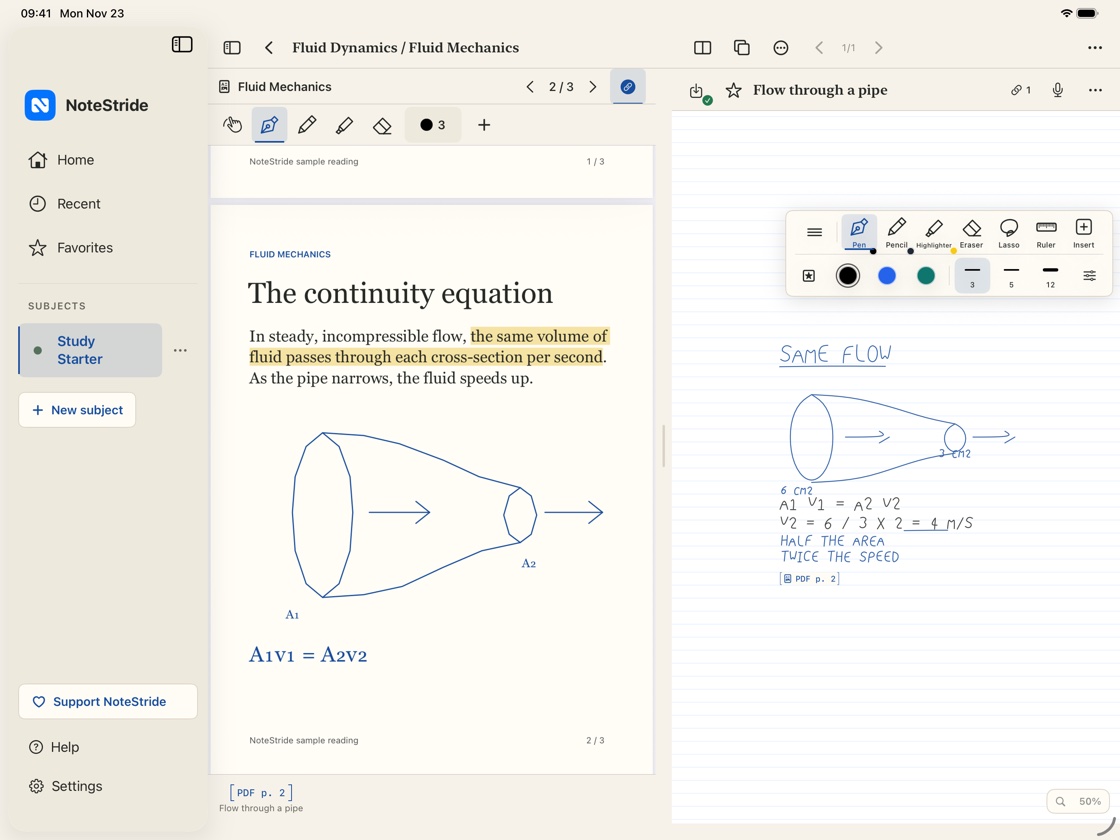
Read and annotate PDFs
Highlight a passage or pull a diagram into your notebook. Link your notes back to the source page.
 NoteStride
 for iPad
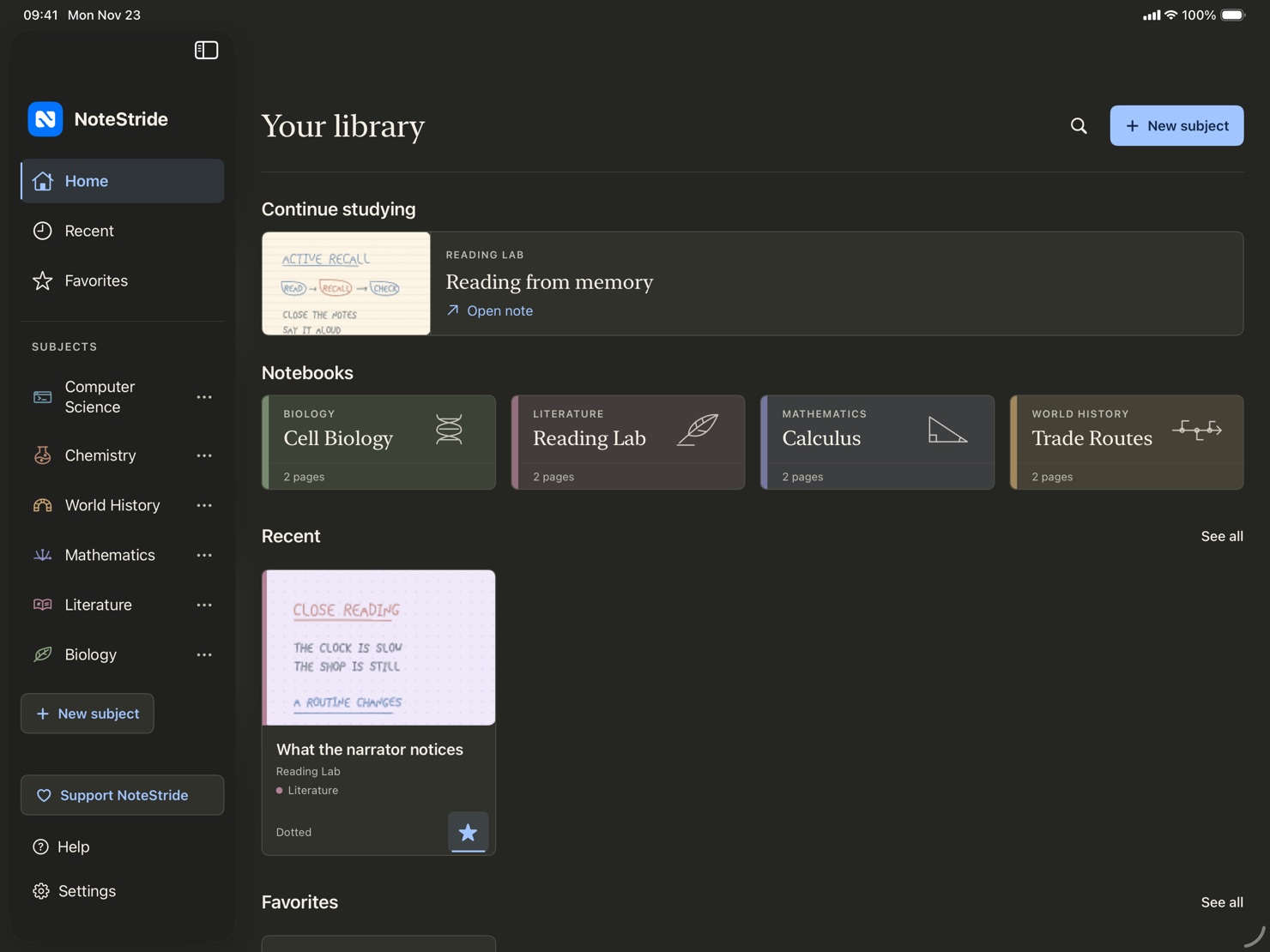
Keep your subjects, handwritten notes, and study sources in one place. Write with Apple Pencil or your finger, and link a note to the exact page or moment you want to revisit.
Highlight a passage or pull a diagram into your notebook. Link your notes back to the source page.
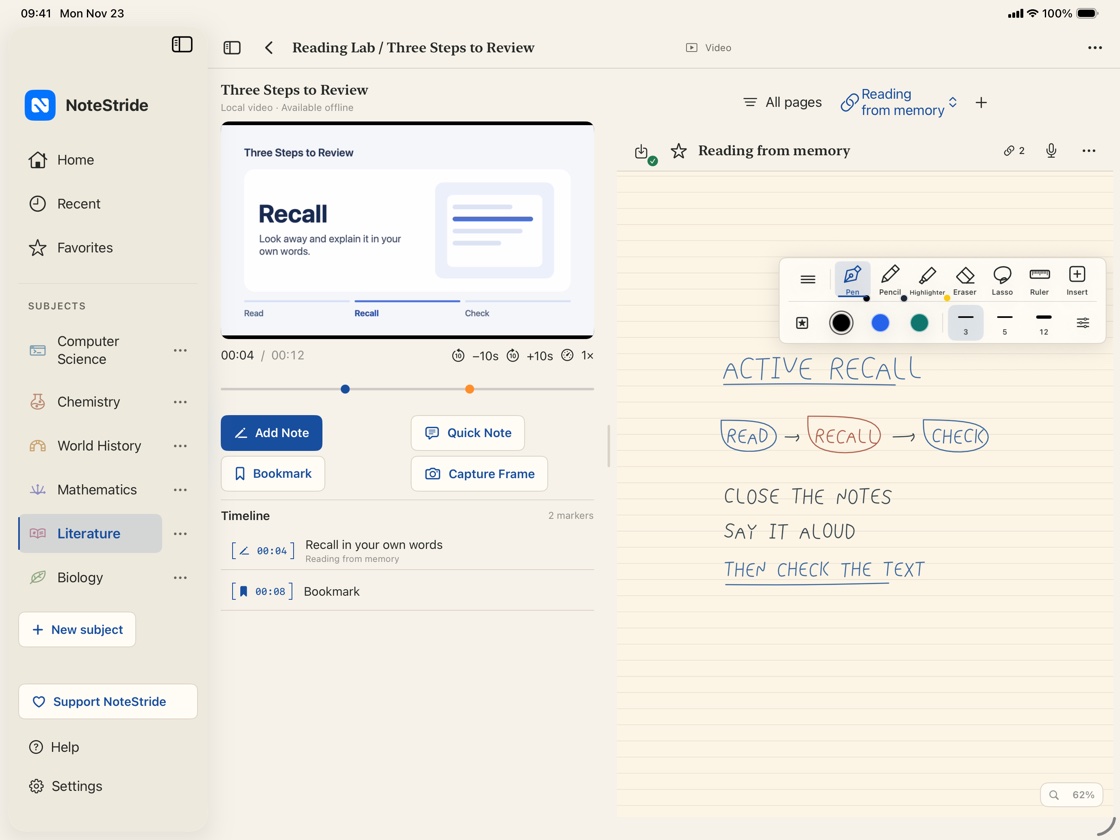
Play a video beside your notes. Bookmark a moment or link a note to a timestamp so you can return to it.